
“I have a great business idea I need to build an app.”
For many entrepreneurs and business leaders, this is the default starting line. In a world where “there’s an app for that” has become a cultural mantra, it is natural to assume that a native mobile app (the kind you download from the App Store or Play Store) is the ultimate sign of digital legitimacy.
But here is the hard truth: Not every business needs a mobile app. In fact, for many startups and SMEs, building a mobile app first can be a costly strategic error that drains budget and slows down time-to-market.
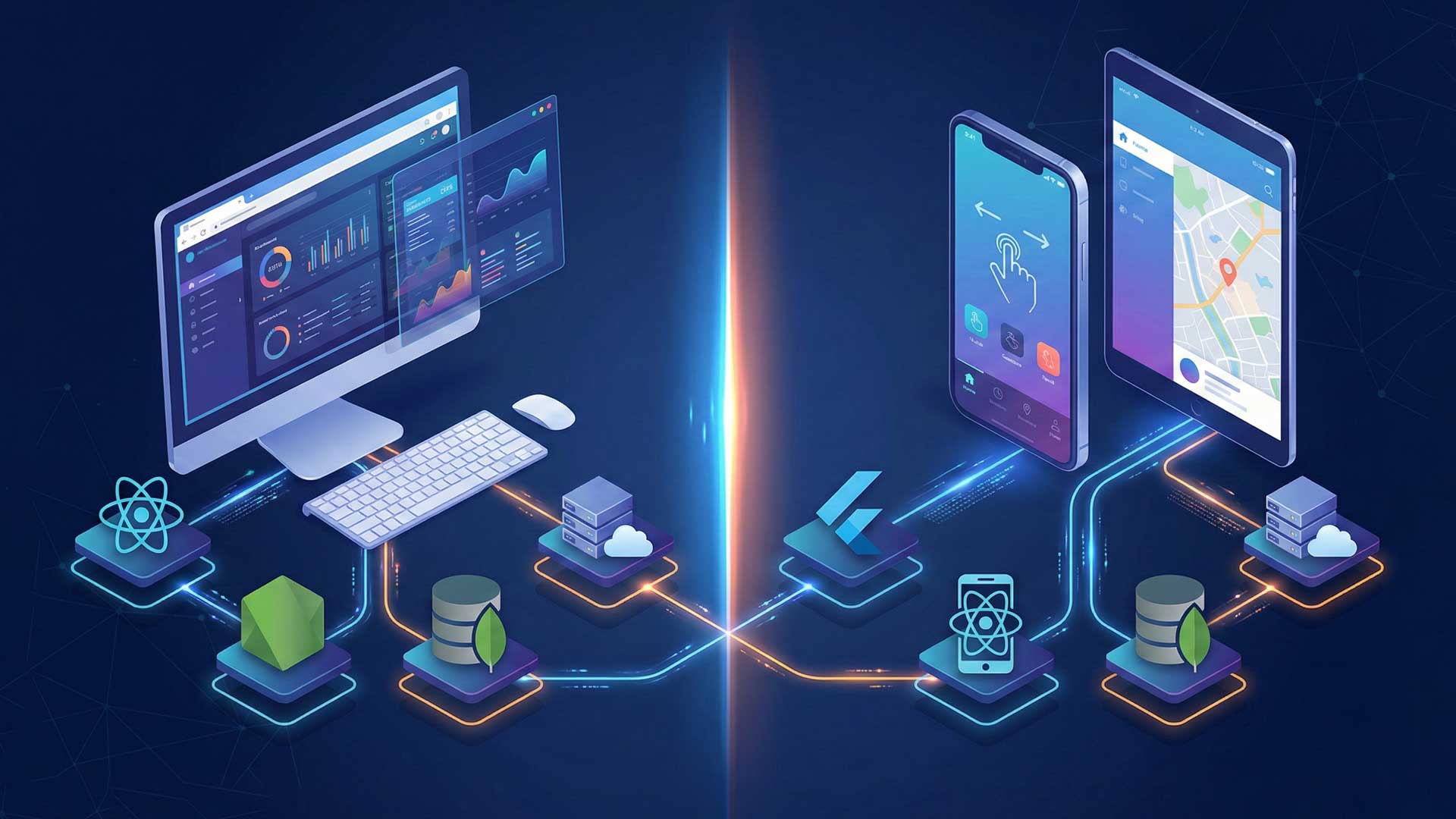
The digital landscape has evolved. The line between a powerful Web Application (software that runs in your browser) and a Mobile App is blurring. Today, web apps can be just as interactive, fast, and feature-rich as their mobile counterparts.
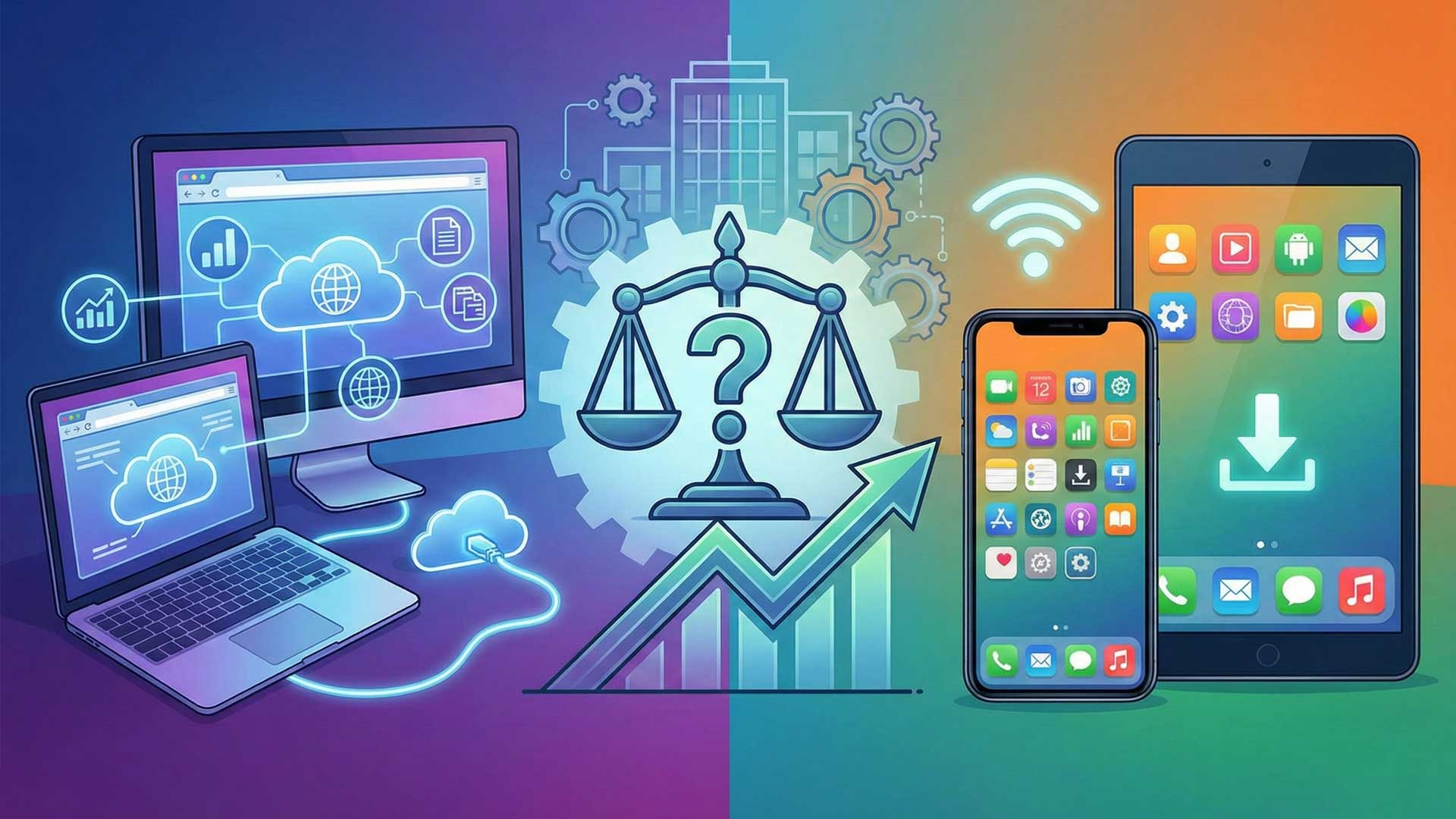
So, how do you choose? Do you prioritize the broad accessibility of the web, or the high-performance engagement of a mobile device?
This decision isn’t just about technology; it is about Return on Investment (ROI). Making the wrong choice can leave you with an expensive piece of software that no one downloads, or a website that frustrates mobile users. In this guide, we will break down the pros, cons, and specific use cases for both, helping you decide which digital vehicle is the right engine for your business growth.
Defining the Contenders
Before we dive into the pros and cons, it is crucial to clarify exactly what we are comparing. The terminology can be tricky, so let’s draw a clear line in the sand.
What is a Web Application?
It is easy to confuse a web app with a standard website, but they are beasts of a different nature. A standard website (like a company portfolio or a blog) is primarily informational—you are there to read or view content.
A Web Application, on the other hand, is interactive. It is fully functional software that runs directly inside your web browser (Chrome, Safari, Firefox) without requiring any installation. It functions like a program: users can log in, create accounts, manipulate data, and perform complex tasks.
- Key Trait: Accessible via a URL; no download required.
- Examples: Gmail, Trello, Canva, Online Banking dashboards.
What is a Mobile App?
A Mobile App (or Native App) is software specifically engineered for a mobile operating system most commonly iOS (Apple) or Android (Google). Unlike a web app, it lives on the user’s device.
To access it, a user must actively visit an App Store, download the file, and install it. Because it is installed locally on the phone, it “sits” closer to the hardware, allowing it to communicate deeply with the device’s internal features (like the camera, gyroscope, or contact list).
- Key Trait: Must be installed; lives on the home screen.
- Examples: Instagram, WhatsApp, Uber, Spotify.
The Head-to-Head Comparison: Web vs. Mobile
To make the right choice, you need to weigh the trade-offs. Let’s compare these two platforms across the four factors that matter most to business owners: reach, performance, cost, and maintenance.
A. Accessibility & Reach
- Web App (The Winner for Reach): The web is universal. A web application works on any device with a browser—whether it’s a Windows laptop, an iPhone, an Android tablet, or a Smart TV. Users are just one click away; there is no friction, no download bar, and no “insufficient storage” errors.
- Mobile App: This is an exclusive club. An iOS app won’t run on Android, and vice versa. Furthermore, the “download barrier” is real; convincing a user to commit storage space on their phone to your brand is much harder than convincing them to click a link.
B. Performance & Features
- Mobile App (The Winner for Power): Since mobile apps are installed directly on the device, they can utilize the phone’s full processing power. They offer smoother animations, faster load times, and superior gesture control (swiping, pinching). Crucially, they can access native hardware like the Camera, GPS, Bluetooth, and Contacts, and can often function Offline.
- Web App: Web apps are becoming powerful, but they are still “sandboxed” by the browser. They generally require an active internet connection to function well, and while they can access some hardware (like the microphone), the integration isn’t as seamless or deep as a native app.
C. Development Cost & Time
- Web App (The Winner for Budget): Building a web app is typically faster and more affordable. You write the code once, and it runs everywhere.
- Mobile App: This is often a larger investment. To reach everyone, you usually need to develop two separate versions: one for iOS (using Swift) and one for Android (using Kotlin). While cross-platform frameworks like Flutter or React Native have reduced this cost, testing and optimizing for hundreds of different screen sizes and devices still takes significant time.
D. Updates & Maintenance
- Web App (The Winner for Agility): When you push an update to your web app, it is live instantly. Every user who logs in sees the new version immediately.
- Mobile App: Updates can be a headache. You must submit the new version to the App Stores, wait for approval (which can take days), and then hope your users actually download the update. You will often have to support old versions of your app for users who refuse to update.
When to Choose a Web Application
A web application is often the smartest starting point for new businesses. It offers the lowest barrier to entry for both you (the developer) and your customer (the user). You should prioritize a web app if:
- You Are Building an MVP (Minimum Viable Product): If you are a startup validating a new idea, speed and budget are your lifelines. A web app allows you to build one platform and launch it to everyone simultaneously. You can test your concept, gather user feedback, and pivot quickly without the high cost of native mobile development.
- You Rely on SEO for Traffic: If your business model depends on new users finding you through Google Search (e.g., a travel booking site, a job board, or a news portal), a web app is non-negotiable. Search engines cannot easily “crawl” inside a mobile app. A web app ensures your content is indexable and discoverable.
- Your Users Are “Desktop-First”: Consider where your users will be when they use your product. If you are building a B2B SaaS platform, an admin dashboard, or a complex productivity tool (like spreadsheets or design software), users will likely prefer the large screen and keyboard of a laptop/desktop.
- Usage is Infrequent: Be honest about user behavior. If your service is something a user might need only once a month or occasionally (like checking a tax refund or reading a restaurant menu), they are unlikely to go through the friction of downloading an app. A web link removes that barrier.
When to Choose a Mobile App
While web apps are versatile, there are specific scenarios where a native mobile app is not just a luxury, but a necessity. You should invest in a mobile app if:
- You Need High Frequency & Engagement: If your business model relies on users returning daily or multiple times a day (think social media, fitness trackers, or messaging apps), a mobile app is superior. The ability to send Push Notifications is a game-changer for retention, allowing you to “nudge” users back into the app with updates, reminders, or offers.
- You Require Native Hardware Access: Does your core feature depend on the device’s sensors?
- Uber/Food Delivery: Needs real-time GPS tracking.
- Instagram/Snapchat: Needs seamless access to the Camera and microphone.
- Health Apps: Need access to the accelerometer or health kit data. If your product is functionally “crippled” without these hardware integrations, a native app is the only path.
- Offline Functionality is Critical: This is a massive differentiator. If your users need to perform tasks without a stable internet connection—such as a field technician entering data, a traveler using a map, or a reader saving articles for a flight—a mobile app can store data locally and sync it to the cloud once connectivity is restored.
- Performance & Complex Interactions: For high-fidelity gaming, complex photo/video editing, or heavy interactive visualizations, native apps win hands down. They communicate directly with the device’s GPU (Graphics Processing Unit), offering smooth, lag-free performance that a browser simply cannot match.
The “Middle Ground”: Progressive Web Apps (PWAs)
Is there a way to eat your cake and have it too? For many businesses, the answer is Yes.
If you are torn between the broad reach of a website and the user experience of an app, you might not need to choose at all. Enter the Progressive Web App (PWA).
A PWA is essentially a website that has been supercharged to look and behave like a mobile app. It runs in the browser, but it offers “app-like” superpowers:
- Installable: Users can add a PWA to their home screen with a single tap (no App Store download required).
- Offline Capability: Using technology called “Service Workers,” PWAs can cache content so users can browse even with a spotty internet connection.
- Push Notifications: On many devices (especially Android), PWAs can send push notifications just like a native app.
- Speed: They are lightweight and load almost instantly.
Why Choose a PWA? It is the ultimate cost-effective compromise. You build it once (using web technologies), and it works everywhere. Brands like Twitter (X), Starbucks, and Pinterest have used PWAs to significantly increase user engagement without the massive expense of maintaining separate native apps. If you want the “feel” of an app without the high development cost or the friction of the App Store, a PWA is often the smartest strategic move.
Conclusion
So, who wins the battle between the Web App and the Mobile App? The answer is: Neither.
There is no universally “better” option—only the option that is right for your specific business goals, budget, and user needs.
- If you need to validate an idea quickly, reach a broad audience, and keep costs low, a Web App is your best starting line.
- If your product requires deep engagement, offline access, or heavy reliance on device hardware (like GPS or cameras), a Mobile App is the necessary investment.
- If you want a balance of both without the high price tag, a Progressive Web App (PWA) might be your perfect middle ground.
The Strategic Takeaway: Don’t build a mobile app just because “everyone else has one.” That is a vanity metric, not a business strategy. Build the platform that solves your users’ problems with the least amount of friction.
Still unsure which path to take? You don’t have to guess. At M4YOURS IT, we specialize in helping businesses navigate these critical digital decisions. We will analyze your business model, understand your audience, and recommend the perfect tech stack to fuel your growth.
Contact us today for a free consultation, and let’s build the right solution for your future.
Here are 10 Frequently Asked Questions (FAQs) tailored for your “Web App vs. Mobile App” blog post. These are designed to address common client anxieties and position M4YOURS IT as a helpful guide.
Frequently Asked Questions (FAQs)
1. Which option is cheaper to build: a Web App or a Mobile App? Generally, a Web Application is more cost-effective. Since it runs on a single codebase (accessible via any browser), you avoid the cost of developing separate versions for iOS and Android. Mobile apps often require higher initial investment due to the need for specialized development for each platform.
2. Which one allows for a faster launch? If speed is your priority, a Web App is usually the winner. Because there is no App Store approval process (which can take days or weeks) and only one codebase to write, we can typically get a Minimum Viable Product (MVP) to market much faster with a web application.
3. Can I start with a Web App and build a Mobile App later? Absolutely. This is a very common and smart strategy. Many successful startups (like Airbnb or Trello) started as web applications to test their idea and build a user base. Once they had traction and revenue, they invested in native mobile apps. We can help you plan this scalable roadmap.
4. My business relies on Google Search traffic. Which is better? Web Applications are far superior for SEO (Search Engine Optimization). Search engines like Google can easily “crawl” and index the content of a web app, making it easy for new users to find you. Mobile app content is mostly hidden from search engines.
5. Do I need a Mobile App to send Push Notifications? Traditionally, yes. Native mobile apps are the gold standard for push notifications. However, modern Progressive Web Apps (PWAs) can now send push notifications on Android devices. If re-engaging users on iPhones is critical, a native mobile app is still the best choice.
6. Can a Web App work offline? Standard web apps require an internet connection. However, a Progressive Web App (PWA) can offer basic offline functionality, allowing users to browse previously loaded content. If your users need full functionality without internet (e.g., a field data collection tool), a Native Mobile App is the better choice.
7. Why are Mobile Apps considered better for user retention? Because they live on the user’s home screen. The app icon serves as a constant visual reminder of your brand every time they unlock their phone. Combined with push notifications and a smoother user experience, mobile apps tend to keep users engaged longer than web links.
8. What about maintenance? Which is easier to update? Web Apps win here. When we push an update to your web app, it is live instantly for every single user. With a Mobile App, you must submit the update to the App Store/Play Store, wait for approval, and then hope that users actually download the update on their phones.
9. Can you build an app that works on both iOS and Android to save money? Yes! This is called Cross-Platform Development (using technologies like Flutter or React Native). It allows us to write roughly 80-90% of the code once and deploy it to both iPhones and Androids. It is a great middle-ground solution that saves time and budget compared to building two completely separate native apps.
10. How do I decide which one is right for my specific idea? There is no “one size fits all.” It depends on your budget, your timeline, and what your users need to do. The best first step is to book a consultation with M4YOURS IT. We will look at your business model and give you an honest recommendation on where to start to get the best ROI.