

Have you ever visited a website that looked absolutely stunning—vibrant colors, sleek animations, and high-quality imagery—but the moment you tried to find the “Contact Us” page or filter a product list, you hit a wall? You clicked back, frustrated, and went to a competitor.
This scenario is all too common. In the digital world, a product that looks good is useless if it doesn’t work well for the user.
In today’s crowded marketplace, you have milliseconds to capture a user’s attention and trust. While robust coding ensures your application runs, it is Intelligent Design that ensures it sells. This is where the magic of UI (User Interface) and UX (User Experience) comes into play.
Many businesses make the mistake of treating design as the “final coat of paint”—something to be added just before launch to make the product look pretty. This is a strategic error. UI/UX design is not decoration; it is the foundation of customer satisfaction, brand loyalty, and ultimately, your product’s financial success. It is the difference between a user who bounces in three seconds and a user who becomes a loyal customer for life.
Clearing the Confusion: UI vs. UX
In the tech industry, you will often hear these two acronyms thrown around together as if they are the same thing. While they are professionally inseparable, they play very different roles. To build a successful product, it is critical to understand the distinction.
UX (User Experience): The “Feel”
UX Design is the science behind the scenes. It is not about visuals; it is about strategy and logic. A UX designer acts as the architect of the user’s journey. They ask questions like:
- “How does a user get from the landing page to the checkout in the fewest clicks?”
- “Is the menu structure logical?”
- “Does the app solve the user’s problem efficiently?”
- The Focus: Usability, Functionality, and Satisfaction.
UI (User Interface): The “Look”
UI Design is the art that sits on top of that science. Once the UX structure is defined, the UI designer steps in to make it visually appealing and interactive. They decide on:
- Typography: Is the text readable and on-brand?
- Color Theory: Do the colors evoke trust (blue) or excitement (red)?
- Interactivity: Does the button look “clickable”? Does it change color when you hover over it?
- The Focus: Aesthetics, Branding, and Responsiveness.
The Perfect Analogy: Building a House
Think of your digital product as a house.
- UX is the Blueprint: It decides where the doors go, how big the kitchen is, and ensures the bathroom isn’t located in the middle of the living room. It ensures the house is livable.
- UI is the Interior Design: It chooses the paint color, the style of the furniture, and the lighting fixtures. It ensures the house is beautiful and inviting.
A house with great decoration (UI) but no doors (UX) is useless. A house with a perfect layout (UX) but ugly, peeling paint (UI) won’t sell. You need both.
Why UI/UX is a Business Investment (Not an Expense)
In the boardroom, design is often scrutinized as a discretionary cost—something nice to have if the budget allows. This is a fundamental misunderstanding of the digital economy. Great design doesn’t just look good; it pays for itself. Here is how investing in professional UI/UX directly impacts your bottom line.
A. Higher Conversion Rates
The most direct impact of UX is on your sales funnel. Every extra click, every confusing form field, and every slow-loading image is a “friction point” where potential customers drop off.
- The Logic: If a user can find the product they want and reach the checkout page in three intuitive steps, they buy. If they have to search for the “Add to Cart” button, they leave.
- The ROI: Studies show that a well-designed user interface could raise your website’s conversion rate by up to 200%, and a better UX design could yield conversion rates up to 400%.
B. Customer Retention (Stopping the Churn)
Acquiring a new customer is anywhere from 5 to 25 times more expensive than retaining an existing one. In the app world, users are ruthless; if an app is buggy or confusing, 70% of users will abandon it after a single use.
- The Stickiness: Good design creates “sticky” products. When an app is a joy to use—when it feels effortless—users form a habit. They don’t just stay; they become advocates who recommend your product to others.
C. Lower Support Costs
Bad design creates questions. * “Where is my invoice?” “How do I reset my password?” “Why can’t I edit my profile?”*
- The Savings: Every time a user has to email your support team because they can’t figure out the interface, it costs you money in man-hours. An intuitive design is self-explanatory. It anticipates user questions and solves them visually, drastically reducing the burden on your customer support team.
The Hidden Cost of Bad Design
If good design is an investment, bad design is a debt—one that you pay with interest. Often, stakeholders skip the design phase to “save time” and jump straight into coding. This creates what is known in the industry as Design Debt. The cost of fixing these issues later is exponentially higher than getting it right the first time.
The “Frustration Gap” & Trust
First impressions are brutal. In the digital space, users equate Quality of Design with Quality of Service. If your banking app has misaligned text, or your e-commerce site has broken buttons, users don’t think, “Oh, the developer made a mistake.” They think, “If they can’t handle a simple button, how can I trust them with my credit card information?” Bad design creates a “Frustration Gap” that erodes trust instantly. You might have the most secure backend in the world, but if the frontend looks amateurish, your users will perceive it as insecure.
The 1:10:100 Rule
There is a famous rule in software development regarding the cost of fixing errors:
- $1: Cost to fix a design error during the Design Phase (moving a line on a sketch).
- $10: Cost to fix that same error during the Development Phase (rewriting code).
- $100: Cost to fix that error after Launch (maintenance, unhappy users, bad reviews).
Investing in a proper design process creating wireframes and prototypes before a single line of code is written is essentially an insurance policy against expensive rework. It allows you to test, fail, and iterate when it is cheap to do so, rather than realizing the product is unusable after you have spent your entire development budget.
The M4YOURS IT Design Process
At M4YOURS IT, we don’t just “draw screens.” We follow a rigorous, user-centric methodology that ensures every pixel has a purpose. Great design is not a random act of creativity; it is a systematic process of problem-solving.
Here is how we turn your abstract idea into a polished digital product:
Step 1: Research & Discovery (The “Why”) Before we open any design tools, we open our ears. We analyze your business goals and define your User Personas. Who are your users? What are their pain points? What are they trying to achieve? We don’t guess; we gather data to ensure the design solves real problems.
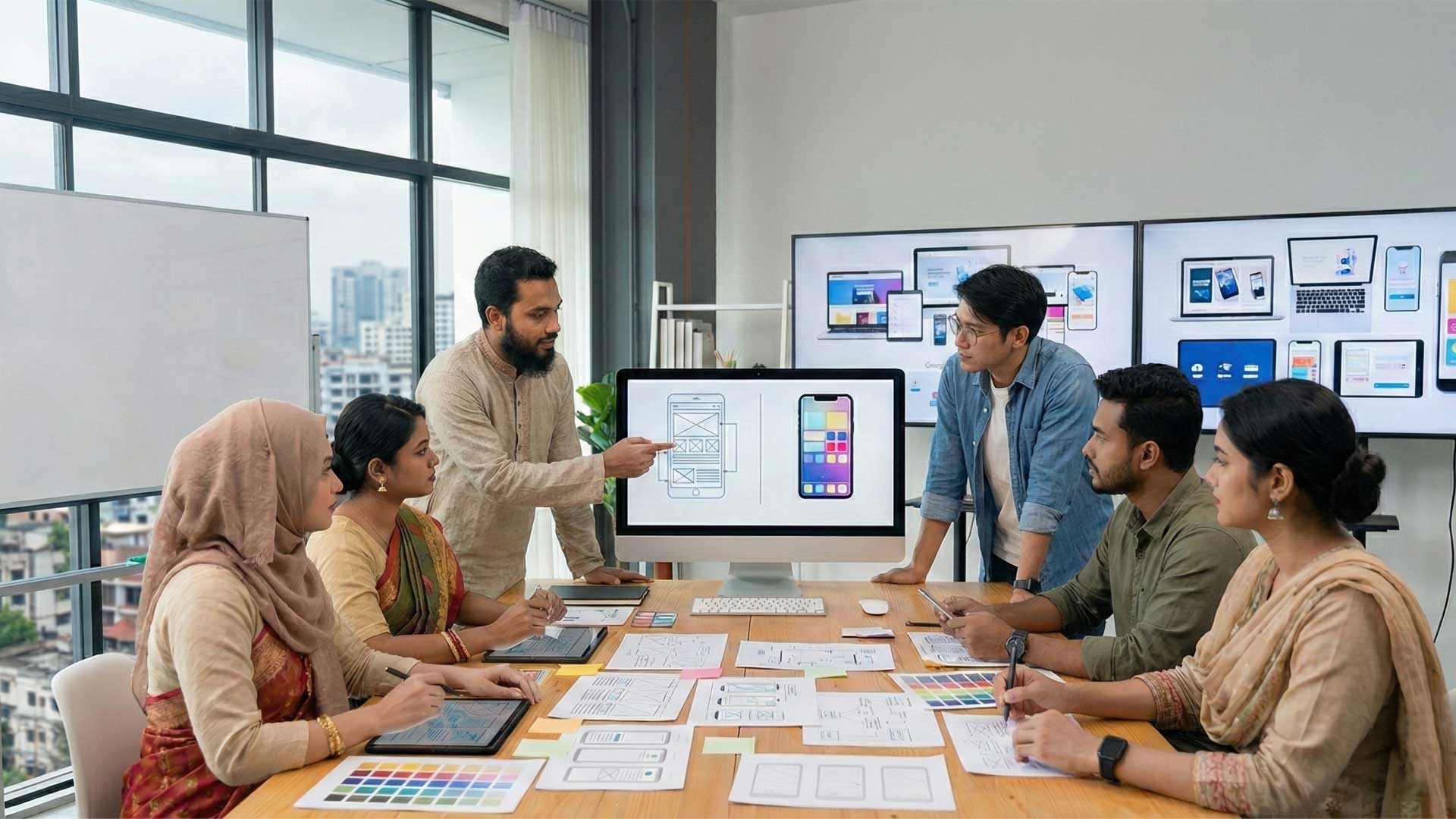
Step 2: Wireframing (The Skeleton) This is the architectural blueprint. We create low-fidelity sketches (gray-scale layouts) to establish the structure of the application. This stage focuses entirely on layout and information architecture, ensuring that the user flow makes sense without the distraction of colors or images.
Step 3: Prototyping (The Simulation) Static images can’t show you how an app feels. We build interactive Prototypes—clickable versions of the wireframes. This allows stakeholders to “use” the app, click buttons, and navigate menus before a single line of code is written. It is the ultimate reality check.
Step 4: Visual Design (The Skin) Once the structure is approved, we bring it to life. We apply your brand identity—logos, color palettes, typography, and iconography. We create High-Fidelity designs that look exactly like the final product, ensuring consistency and aesthetic appeal that builds trust.
Step 5: Testing & Handoff We validate the designs to ensure they are accessible and intuitive. Finally, we prepare a comprehensive “Developer Handoff” package, including all assets, style guides, and code snippets, ensuring that the development team can build the product exactly as it was designed, with zero ambiguity.
Conclusion
In the digital age, your product is often the only interaction a customer has with your brand. You wouldn’t invite a client into a messy, unlit office with broken furniture; you shouldn’t invite them into a cluttered, confusing mobile app either.
Great technology fails without great design. You can have the cleanest code and the most revolutionary features, but if the user cannot understand how to access them, they effectively do not exist.
It is time to shift the mindset. Stop treating UI/UX design as an afterthought or a “nice-to-have” decoration. It is a fundamental driver of business growth. It reduces development costs, creates loyal customers, and turns your digital product into an asset rather than a liability.
Don’t let poor design sabotage your great idea. At M4YOURS IT, we believe that every pixel should have a purpose. Whether you are building a new product from scratch or need to rescue an existing one that isn’t performing, our design team is ready to help.
Ready to build a product that users love? Contact us today for a design audit, and let’s craft a digital experience that sets you apart from the competition
Frequently Asked Questions (FAQs)
1. What is the main difference between UI and UX design? Think of a car: UX (User Experience) is the engineering that makes it drive smoothly, ensures the gears shift logically, and the seats are comfortable. UI (User Interface) is the paint color, the leather trim, and the style of the dashboard. UX makes it work; UI makes it beautiful. You need both for a great car.
2. Why should I spend money on design before development? Investing in design first acts as an insurance policy. It is much faster and cheaper to erase a line on a sketch (Wireframe) than to rewrite thousands of lines of code later. Design helps you visualize the product and catch errors early, saving you significant development budget in the long run.
3. Can’t my developer just design the app while coding? Developers and designers have different skill sets. A developer focuses on logic, functionality, and performance. A designer focuses on empathy, human psychology, and visual hierarchy. While some developers have design skills, hiring a specialist ensures your product is intuitive and user-friendly, not just functional.
4. How long does the UI/UX design process take? The timeline varies based on complexity. A simple app might take 2–4 weeks for design, while a complex enterprise platform could take 2–3 months. At M4YOURS IT, we provide a clear timeline after our initial discovery session so you know exactly what to expect.
5. What is a “Wireframe” and why do I need it? A wireframe is a low-fidelity blueprint of your app or website (usually in black and white).
It shows the structure and layout without the distraction of colors or images. We use wireframes to agree on where things go before we decide how they look.
6. Do you do user testing? Yes. Designing in a vacuum is dangerous. We create interactive prototypes and can test them with real users to gather feedback. This ensures we are building a product that people actually understand and want to use, rather than guessing what they want.
7. I already have a website, but it’s not converting. Can you help? Absolutely. This is often a UI/UX issue. We can perform a UI/UX Audit of your existing site to identify “friction points”—areas where users are getting stuck or leaving. We then redesign those specific flows to improve your conversion rate.
8. What tools do you use for design? We use industry-standard tools like Figma and Adobe XD. These tools allow for real-time collaboration, meaning you can leave comments directly on the designs and see updates as they happen.
9. Will the design work on mobile devices? Yes. We follow a “Mobile-First” or “Responsive Design” approach. This means we ensure your product looks and works perfectly on all screen sizes—from large desktop monitors to tablets and smartphones.
10. What do I get at the end of the project? You receive a comprehensive “Handoff Package.” This includes the final source files (Figma/XD), a style guide (fonts, colors, assets), and a prototype. This package contains everything your development team needs to build the product exactly as designed, pixel-for-pixel.